

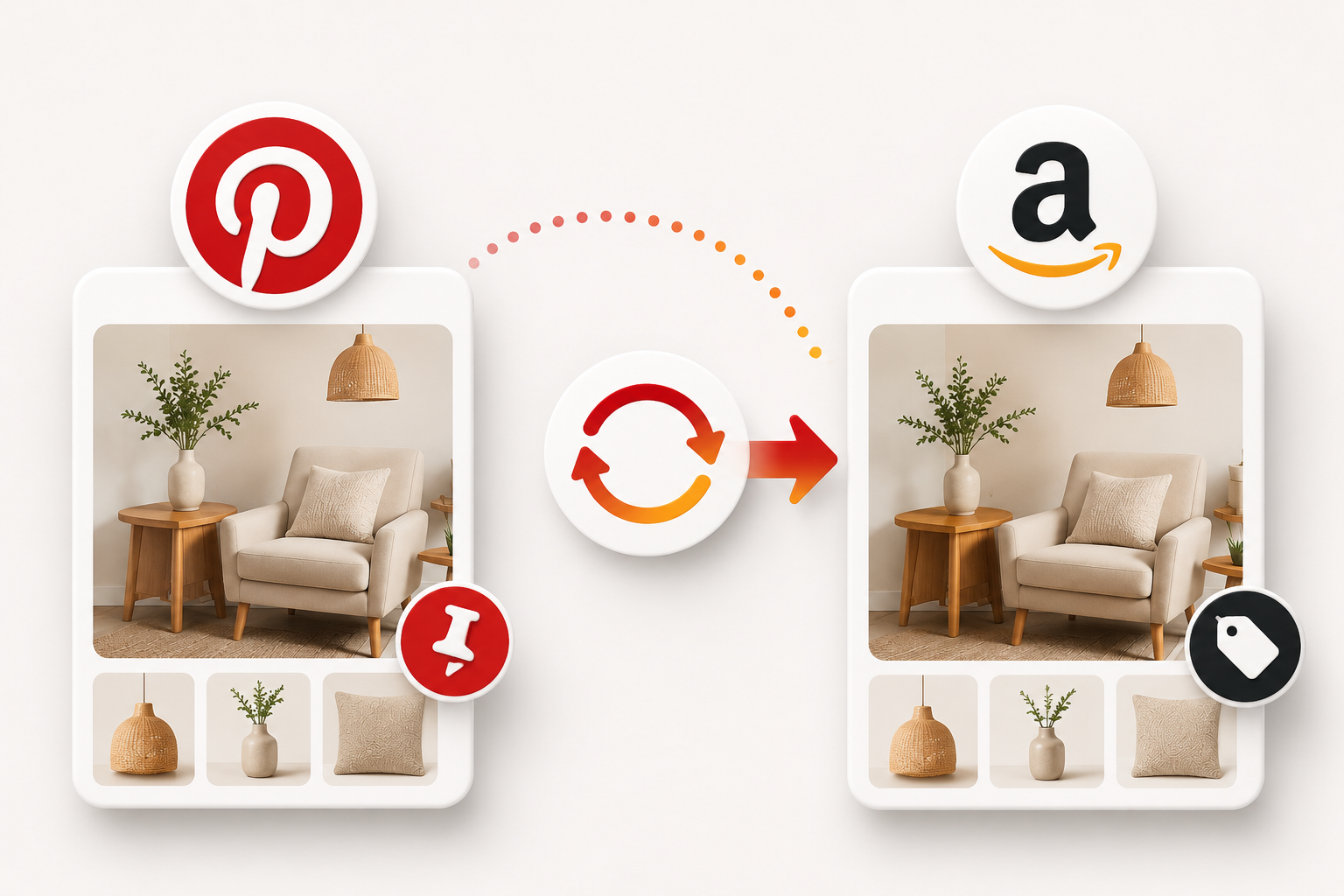
Every Creator Wants to Save Time
Managing content across multiple platforms has become one of the biggest challenges for Amazon creators.
A single product recommendation often ends up on Amazon, Pinterest, Instagram, TikTok, Facebook, YouTube, and even a blog or email newsletter. While repurposing content is one of the fastest ways to grow, manually uploading the same content everywhere can quickly become overwhelming.
That’s why Amazon’s new Pinterest Auto-Sync feature has generated so much excitement.

Instead of uploading content twice, creators can now connect their Pinterest account directly to Amazon and automatically import Pins into their Storefront with products already tagged.
On paper, it sounds like a dream.
But does it actually save time or does it create even more work?
After testing the feature and reviewing feedback from experienced Logie creators, one thing is clear: Pinterest Auto-Sync has enormous potential, but only if it’s used correctly.
Let’s look at how it works, where it shines, and the mistakes every creator should avoid before turning it on.
Potential Risks Every Creator Should Know
Like any automation tool, Pinterest Auto-Sync isn’t perfect.
While it can save creators hours of manual work, it can also introduce problems that affect the quality of your Amazon Storefront if left unchecked.
Before enabling automatic publishing, it’s worth understanding the most common issues experienced by creators who have already tested the feature.
Duplicate Content and Storefront Clutter
One of the biggest concerns raised by creators is duplicate content.
If you’ve already uploaded photos or videos directly to Amazon, Auto-Sync may import those same pieces of content from Pinterest again, creating duplicate posts or disrupting the organization of your Storefront.
During a recent Logie community discussion, creator David Peters explained what happened after enabling the feature:
“It started off with… I had been doing a lot of print-on-demand stuff with Merch by Amazon, and so it just brought in a ton of my photos of my shirts… but I already have everything on my storefront on Amazon. Then it started bringing in some of my videos that I had repurposed… and now Pinterest is taking them and throwing them back up on Amazon in a totally different format that doesn’t work for Amazon, so I had to go and delete every single one.”
His experience highlights an important lesson: automation should simplify your workflow, not create more cleanup afterward.
Before enabling Auto-Sync, consider whether the content already exists on your Storefront. If it does, importing it again may add unnecessary clutter instead of value.
Incorrect Product Tagging
Automatic product tagging is one of Auto-Sync’s biggest selling points, but it’s also one of its biggest weaknesses.
Although Amazon attempts to identify and tag products automatically, the system doesn’t always choose the correct ASIN.
An incorrectly tagged product can confuse shoppers, reduce conversions, and damage trust with your audience.
That’s why experienced creators consistently recommend importing posts as drafts rather than publishing them immediately.
Taking a minute to verify product tags before publishing is far easier than correcting mistakes after your audience has already seen them.
AI-Generated Images Require Extra Caution

Many creators use AI-generated images on Pinterest because they often perform well in search results and attract high engagement.
However, Pinterest and Amazon have different audiences, different expectations, and different content policies.
During the discussion, David Peters explained why he decided not to automatically sync much of his Pinterest content:
“We are using AI-generated people and images with the product… and I don’t really want that on my Amazon because I don’t want to take any chances with all that situation of AI people in images and things like that.”
While AI-generated content continues to evolve, creators should review Amazon’s latest content guidelines before allowing AI imagery to appear automatically on their Storefront.
If you’re experimenting with AI visuals on Pinterest, it may be wiser to review each post manually before publishing it on Amazon.
Caption and Disclosure Limitations
Pinterest and Amazon handle captions very differently.
Pinterest allows longer descriptions, while Amazon often has much stricter character limits for both images and videos.
That means important information, including affiliate disclosures or campaign details may be shortened or cut off during the import process.
Before publishing an imported Pin, review the caption carefully.
Check that:
- Product descriptions still make sense.
- Affiliate disclosures remain visible.
- Important details haven’t been truncated.
- The formatting reads naturally on Amazon.
A quick edit before publishing can prevent confusion and help keep your content compliant.
Is Auto-Sync Actually Right for Your Workflow?
Not every creator works the same way.
Some build content for Amazon first before sharing it across other platforms.
Others create Pinterest-specific content designed to generate traffic through search and visual discovery.
During the discussion, creator educator Ileane Smith explained why Auto-Sync isn’t a perfect fit for her workflow:
“My workflow starts with Amazon. Everything that’s on Pinterest is already on Amazon. I’m not creating stuff to go on Pinterest unless I don’t want it on Amazon.”
For creators who already publish directly to Amazon, Auto-Sync may offer limited benefits beyond convenience.
For creators who treat Pinterest as a primary traffic source, however, it can become a useful way to repurpose existing content, provided every imported post is reviewed before publication.
Ultimately, the value of Auto-Sync depends less on the feature itself and more on how well it fits your existing content strategy.
Should You Enable Pinterest Auto-Sync?
There isn’t a one-size-fits-all answer.
The feature can be incredibly useful, but only when paired with a thoughtful review process.
Use the guide below to decide what makes the most sense for your workflow.
| Your Situation | Recommended Approach |
| You publish to Amazon first | Enable Auto-Sync, but save every post as a draft before publishing. |
| Pinterest is your primary content platform | Review every imported post, especially product tags and captions. |
| You regularly use AI-generated images | Keep Auto-Sync manual and review every image before publishing. |
| You work with brands regularly | Always verify product tags, disclosures, and captions before content goes live. |
| You’re testing the feature for the first time | Start slowly with a handful of posts before syncing your entire Pinterest account. |
The creators seeing the best results aren’t relying on automation alone, they’re combining automation with careful quality control.
A Simple Auto-Sync Workflow That Works
If you’re planning to use Pinterest Auto-Sync, the goal isn’t to automate everything, it’s to automate the repetitive tasks while keeping control over quality.
Many experienced creators recommend following a simple five-step workflow:
1. Create Your Pinterest Pin
Design your Pin the way you normally would, using engaging visuals and helpful content that provides value to your audience.
2. Let Amazon Import It as a Draft
Instead of publishing automatically, enable Save as Draft. This gives you an opportunity to review the post before it appears on your Storefront.
3. Review Product Tags
Check that Amazon has tagged the correct ASINs.
If anything is incorrect, replace the tags before publishing.
4. Edit Your Caption
Review your imported caption and make any necessary adjustments.
Make sure:
- Product descriptions read naturally.
- Affiliate disclosures are still visible.
- The formatting fits Amazon’s character limits.
- The caption aligns with Amazon’s content guidelines.
5. Publish With Confidence
Once you’ve confirmed everything looks correct, publish the post.
This process only takes a few extra minutes but can prevent duplicate content, incorrect product tags, and compliance issues later.
Where Is Pinterest Auto-Sync Headed?
Pinterest is the first major social platform to offer direct content syncing into Amazon Storefronts, but it’s unlikely to be the last.
As social commerce continues to evolve, creators can expect deeper integrations between Amazon and platforms like YouTube, Instagram, TikTok, and Facebook.
Future updates will likely include:
- Smarter AI-powered product tagging
- Better automation tools
- Improved caption formatting
- More accurate content matching
- Additional cross-platform publishing options
These developments have the potential to save creators even more time.
But as automation becomes smarter, human oversight becomes even more valuable.
The creators who consistently perform well won’t simply publish faster, they’ll publish smarter.
Best Practices Before You Enable Auto-Sync
Before switching on Pinterest Auto-Sync, take a few minutes to review your workflow.
Ask yourself:
- Does this Pin belong on my Amazon Storefront?
- Are the product tags accurate?
- Does the caption still make sense on Amazon?
- Is any AI-generated content appropriate for Amazon?
- Would this improve my Storefront or simply add clutter?
If you can’t confidently answer “yes,” save the post as a draft and review it before publishing.
A few extra minutes today can save hours of cleanup later.
Final Thoughts: Let Automation Save TimeNot Replace Judgment
Pinterest-to-Amazon Auto-Sync has the potential to become one of the biggest workflow improvements Amazon creators have seen in years.
Used thoughtfully, it can reduce repetitive work, speed up publishing, and help creators maintain a more active Amazon Storefront without constantly uploading the same content twice.
However, automation isn’t a replacement for quality control.
Every imported Pin should still be reviewed for product accuracy, caption quality, compliance, and overall value to your audience.
The best creators understand that automation is a tool,not a strategy.
Use it to eliminate repetitive work, not thoughtful decision-making.
As Amazon continues expanding its social commerce ecosystem, creators who combine efficient workflows with careful oversight will be the ones who build the strongest Storefronts, earn greater trust from their audiences, and create sustainable long-term success.
Let automation save you time, but let your judgment protect your brand.