
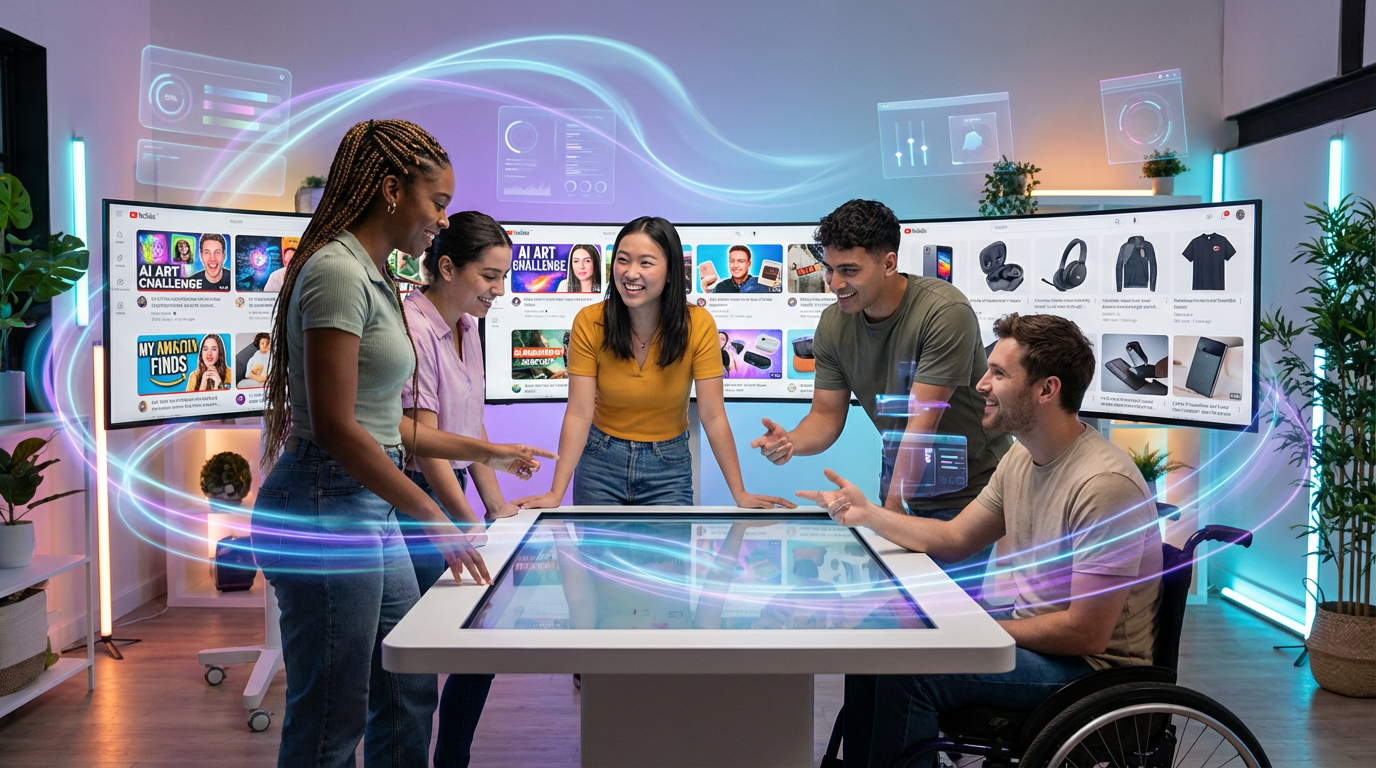
In the world of content creation, think of your thumbnail or product image as your first impression; either it invites people in, or they’ll scroll right past. In 2026, the best creators, sellers, and marketers aren’t necessarily those with the fanciest cameras. They’re the ones leveraging cutting-edge AI tools to craft visuals that pop, convert, and stay ahead of ever-changing platform trends, all without touching complicated editing software.
Why AI Thumbnails & Product Photos Are Essential in 2026
Amazon, YouTube, and social feeds are more crowded than ever. With buy-ready audiences scrolling fast, creators who invest in sharper, more relevant thumbnails and clean, contemporary product images see better click-through rates and higher conversion, but not everyone is a trained designer. This is where AI tools like Canva Magic Studio and Amazon’s new safety-forward AI features change the game.
“Use AI, and oh my gosh, I saw a post the other day where someone had some AI content on their page … One thing for sure you can use – and that I encourage you to use – is for thumbnails. If you’re lacking thumbnail design skills, and also for your photos.”
Step-by-Step: Creating Thumbnails with Canva AI’s Magic Studio

Ever spent way too long trying to erase a messy kitchen backdrop? Canva’s AI solves that in seconds.
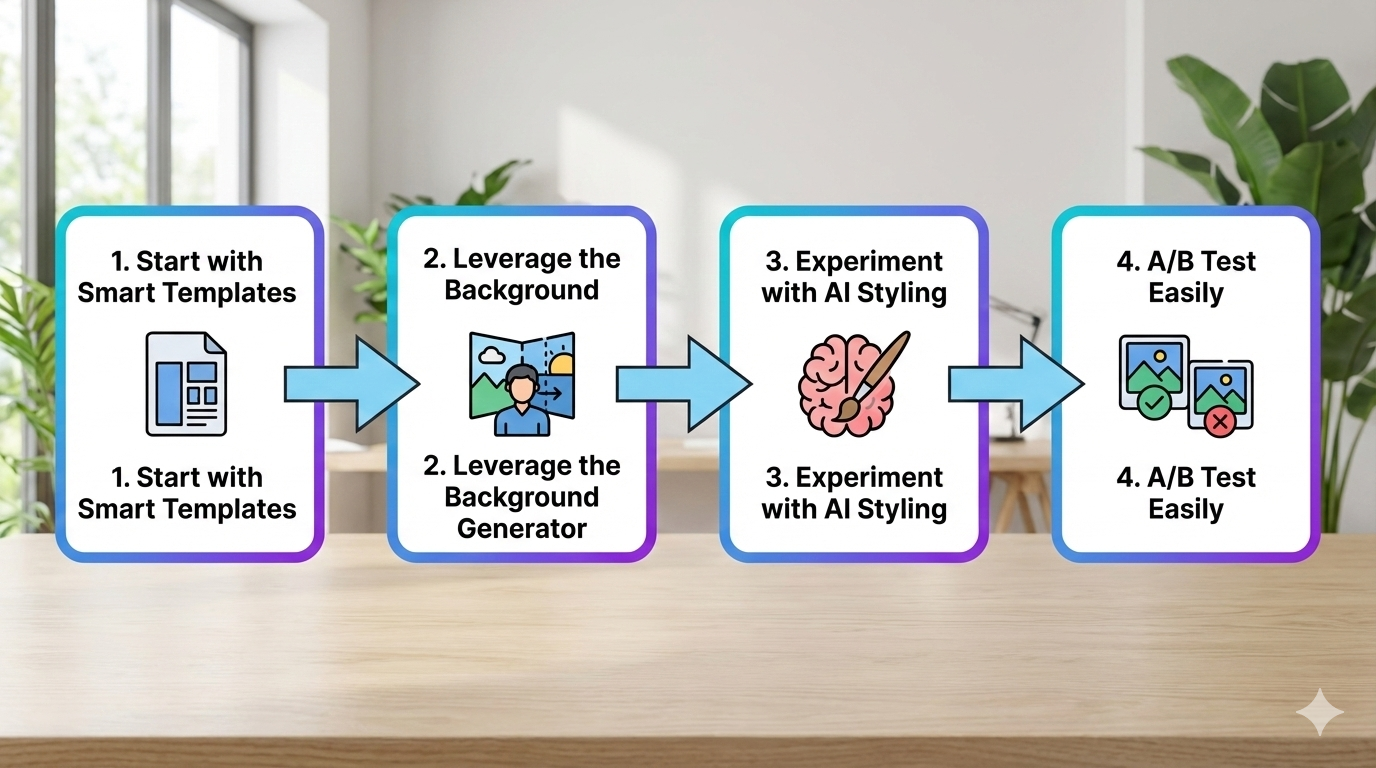
- Start with Smart Templates: In Canva Magic Studio, search for “YouTube Thumbnail” or “Amazon Product Photo.” AI suggests trending layouts based on your audience and niche, even tailoring text and design prominence with a single click.
- Leverage the Background Generator: Remove, blur, or embellish backgrounds instantly with Canva’s BG Generator. This is a lifesaver for Amazon’s main images no more messy backdrops or expensive photo shoots.
- Experiment with AI Styling: Use Magic Edit to adjust tones, add attention-grabbing highlights, or auto-match branding cues (fonts, colors, logos) to keep all your visuals cohesive across carousel or grid.
- A/B Test Easily: Magic Studio’s ‘Variations’ tool auto-generates multiple thumbnail or photo options. Upload several to Amazon or YouTube’s experiment tools and track real performance. Many creators are finding that even small image tweaks boost watch rates 10–30%.
Pro Tip: Don’t just rely on one visual. Top creators regularly swap in refreshed thumbnails or hero images to surface older videos or listings, taking full advantage of how recency bumps priority in algorithms.
Amazon and AI Content: What You Need to Know for 2026
Worried about using AI on Amazon? You’re not alone. Amazon has shifted from tentative warnings to active endorsement of safe, high-quality AI images. Their latest policy now flags only blatantly or poorly generated content, meaning AI-enhanced originals are fair game. Here’s how to keep your account safe:
- Use AI for Enhancements, Not Deception: Improve clarity, remove distractions, and polish color to avoid fake features or misleading modifications.
- Always Preview in Context: Use Amazon’s AI Preview tools to make sure thumbnails and product images look great on both desktop and mobile carousel placements.
- Stay Brand Consistent: Amazon now scores images against your established brand guidelines. Make sure the colors, fonts, and subject matter match expectations, and save your go-to settings in Canva for quick, compliant updates.
Real-World Wins: From “Design-Stuck” to Visually Competitive
Creators formerly stuck with bland screen grabs or risky editing software are now producing slick, on-trend visuals in minutes. Some Logie Amazon sellers report increased click-through rates up to 40% after switching underperforming product photos or updating carousel images via Canva’s AI suite. For video creators, a fresh, AI-driven thumbnail can revive an old upload – helping it trend again in suggested feeds.

This doesn’t just save time. It makes staying visually competitive accessible for anyone. As Ileane Smith notes, “If you’re lacking thumbnail design skills… use AI.” Even seasoned pros now count on these tools to prototype new looks or react instantly to changing trends (think: seasonal, holiday, or trending pop-culture remixes).
2026 Action Plan: How You Can Start Today
- Sign up or update your Canva account to access Magic Studio and the Background Generator.
- Practice with existing content: Pick 1–2 older videos or products, create new AI thumbnails or photos, and upload as a test.
- Track performance: Use Amazon’s and YouTube’s analytics to compare the new images against your old ones. Watch for increases in clicks, watch time, or sales.
- Join communities: Engage with Logie’s influencer network, share what works, swap thumbnail secrets, and get the inside scoop as Amazon tests more AI-first features.
Key Takeaways
- AI tools like Canva Magic Studio and Amazon’s AI-powered image tools save creators hours and help non-designers produce superior visuals.
- Amazon welcomes high-quality AI-generated images but expects authenticity and alignment with brand guidelines.
- Constantly refreshing thumbnails and analyzing what works unlocks more traffic, conversions, and exposure across platforms.
Ready to let your visuals do the talking? AI isn’t just for pros. It’s your competitive edge for 2026 and beyond.