
Introduction: Two Giants, One Checkout
For years, creators operating in the affiliate space have lived a double life. They built audiences on YouTube, the world’s second-largest search engine and the dominant long-form video platform, and they made money through Amazon, the world’s most trusted online retailer.
But those two ecosystems never really talked to each other. You posted a YouTube video, stuffed Amazon affiliate links in the description, hoped viewers scrolled down, clicked through, and remembered to complete the purchase before Amazon’s 24-hour cookie window slammed shut.

That friction has been the quiet tax on creator earnings for a decade.
Now, it’s changing, and the implications are bigger than most creators have stopped to appreciate.
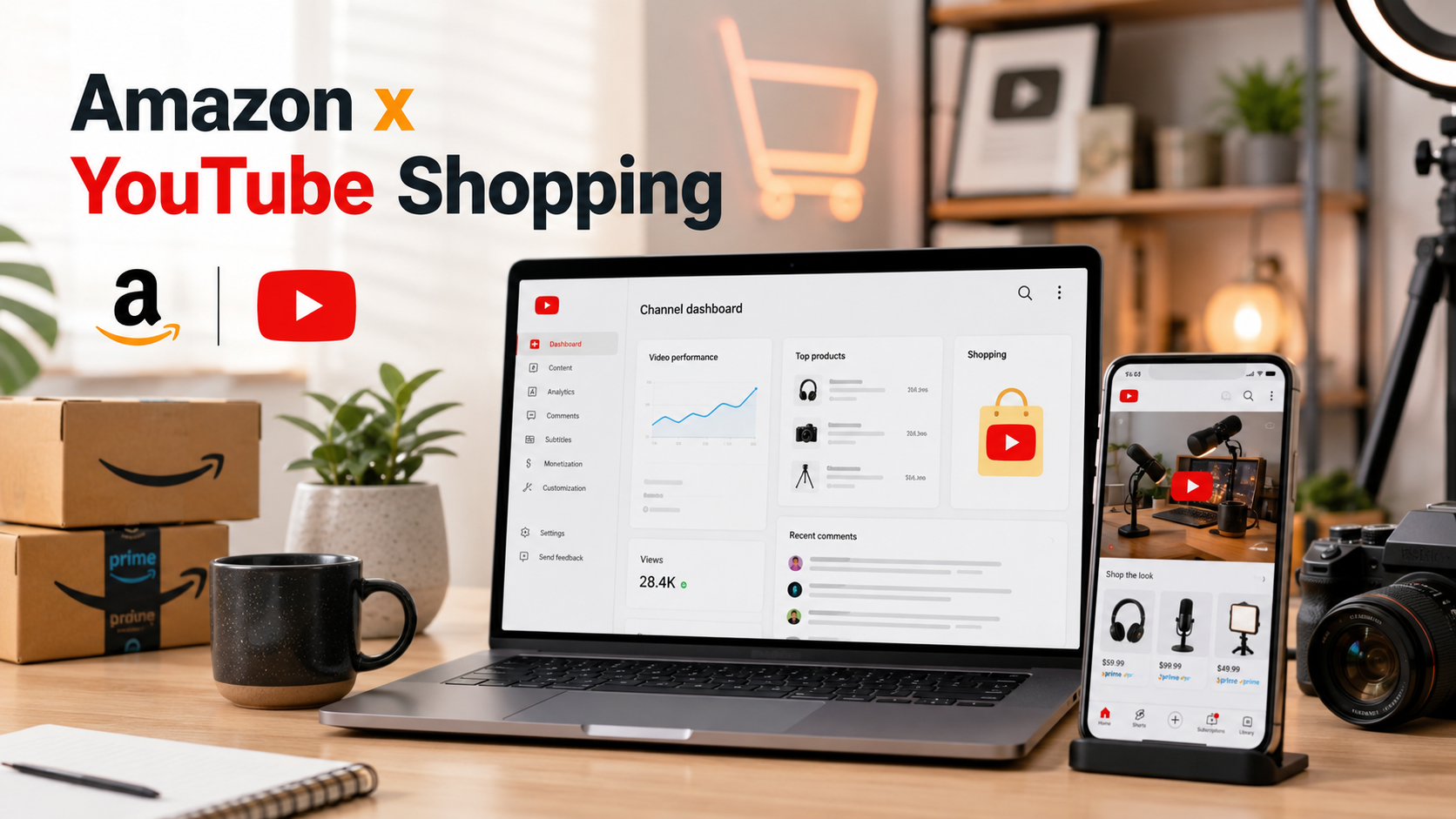
Amazon product tagging within YouTube Shopping is here, initially rolling out to a select cohort of creators who hold both a YouTube Partner Program (YPP) membership and a connected Amazon Influencer storefront.
It is, by every measure, one of the most consequential integrations in the social commerce space since TikTok launched TikTok Shop.
This guide covers everything: how we got here, how it works, the numbers you need to know, and what Logie creators should be doing right now to prepare and profit.
Part 1: How We Got Here: YouTube Shopping’s Evolution
YouTube entered the commerce space in earnest in 2022, partnering with Shopify to let creators connect their stores directly to their channels.
This was the first time a product shelf could appear below a video, a primitive but important shift.
The platform also hinted at shopping in Shorts as part of its broader monetization roadmap. The ambition was clear: YouTube wanted to replicate the explosive social commerce model that was already generating billions in China through platforms like WeChat and Douyin.
2023: The Affiliate Program Takes Shape
The affiliate program, as creators know it today, began to solidify in 2023. YouTube launched the Affiliate Hub inside YouTube Studio, a central directory where creators could discover partner brands, view commission rates, request product samples, and access promotional codes.
This was YouTube’s signal that it was building a formalized commerce ecosystem, not just a feature.
The platform also saw over 30 billion hours of shopping-related video watch time that year alone, with a 25% increase in time spent on videos that help people shop, as data YouTube itself published, and that should have been a much bigger headline than it was.
April 2024 was when YouTube Shopping shifted from interesting to serious. Three significant things happened simultaneously:
- Bulk product tagging launched, allowing creators to tag products across multiple videos at once, with YouTube automatically detecting suggested products based on links already in video descriptions
- Shopping Collections launched, letting creators curate themed storefronts (think “Spring Nail Must Haves” or capsule wardrobe edits), a direct answer to TikTok Shop’s collection-style browsing
- Live stream product tagging expanded, with creators in the affiliate program now able to tag and pin products during live streams, creating a clickable shopping shelf visible to live viewers
That same month, YouTube also expanded Shopping to the Korean market and continued lowering eligibility thresholds, which had once been a 20,000-subscriber requirement to join the affiliate program, had dropped to 10,000, then 5,000, then 1,000.
Mid-2024 to 2025: Global Expansion and the Shorts Problem
Throughout 2024 and into 2025, YouTube expanded the affiliate program to Southeast Asia (adding Shopee in Indonesia) and India (adding Flipkart and Myntra), positioning itself as a serious competitor to TikTok Shop’s regional dominance.
But the Shorts problem was becoming undeniable: YouTube’s short-form format was exploding in reach, but unlike TikTok, YouTube blocked most clickable external links in Shorts descriptions and pinned comments.
Creators were using Shorts for discovery and losing the conversion because there was nowhere to send viewers. The platform’s own data was flagging this gap.
June 2025: The Product Sticker Fix
In June 2025, YouTube rolled out Shopping Product Stickers for Shorts globally, a redesigned, mobile-native solution that replaced the older “shopping button.”
When a creator tags products in a Short, the first tagged product automatically generates a visual sticker in the lower-left corner of the video. Viewers tap the sticker to see product details; they tap the downward arrow to open the full tagged product list.
YouTube’s internal testing showed Shorts with product stickers saw over 40% more clicks on products than Shorts using the old shopping button format.
That’s not a marginal improvement; that’s a fundamental UX fix. For creators, it also introduced a new workflow consideration: the order you tag products now matters, because the first product gets the sticker treatment. Put your highest-converting product first.
March 2026: The 500-Subscriber Threshold
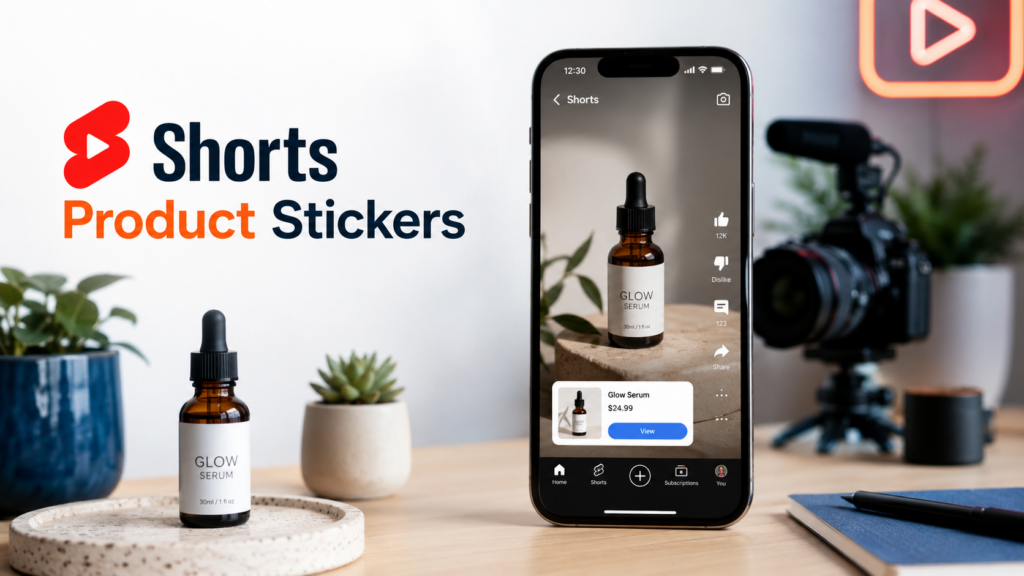
In a move that will eventually open the floodgates, YouTube lowered the affiliate program subscriber requirement to just 500 subscribers, meaning any creator enrolled in the expanded YPP tier can now access product tagging and affiliate commissions.
This is a massive democratization of the program. Creators who were sitting just outside the threshold for years now have a path in.
As a community educator, Ileane Smith summarized it: when YouTube Shopping launched the affiliate program, you needed 20,000 subscribers. Then 10,000. Then 5,000. Then 1,000. Now 500. The direction is only one way.
Part 2: Amazon x YouTube What’s Live
Amazon product tagging within YouTube Shopping gives eligible creators the ability to tag Amazon products natively inside their YouTube videos, Shorts, and livestreams exactly the way they would tag a Shopify product or a brand from YouTube’s affiliate catalog.
Those tags generate the same shoppable overlays and product shelves that viewers already recognize.
The key difference from simply dropping an Amazon affiliate link in a description: the product appears directly in the video interface. Frictionless, in-moment, without requiring a viewer to even look away from the content.
How to Check if You’re Eligible
Eligibility requires two things to be true simultaneously:
- On the YouTube side: You must be in the YouTube Partner Program. At minimum, that means 500 subscribers under the expanded YPP tier, alongside watch hour and policy thresholds (or Shorts-equivalent view thresholds).
- On the Amazon side: You must have an active Amazon Influencer Program storefront.
- To check if the integration has rolled out to you: open your Amazon Influencer dashboard, click Edit Profile, scroll to Connected Social Accounts, and look for a link to the ” YouTube Shopping” option. If you see it, you’re in the test group. If you don’t see it yet, you’re in the queue. This is a staggered rollout.
The rollout appears to favor creators with established activity in both ecosystems: consistent YouTube uploads, an active Amazon storefront with video reviews, and engagement metrics that signal audience trust. Lifestyle, tech, beauty, home, and DIY verticals seem to be getting early access.
How the Tagging Actually Works
Once connected, tagging Amazon products in YouTube follows the same workflow as any other product tagging:
- In YouTube Studio, go to Earn → Shopping
- When uploading a video or editing an existing one, navigate to Tag Products → Add
- Search for the Amazon product by name
- Position the tag (for long-form, it generates a “View Products” shelf; for Shorts, the first tagged product becomes the sticker)
- You can tag up to 30 products in long-form videos and up to 60 in Shorts, though strategic restraint is more effective than saturation
Products can also be tagged using the Bulk Tagging tool, which lets you apply tags across multiple existing videos at once. YouTube will even auto-suggest products it detects from links already in your descriptions. This is a huge time-saver for creators with back catalogs.
One Critical Limitation Right Now
The Amazon–YouTube integration currently lacks auto-sync, which is something Pinterest’s Amazon integration has offered.
That means product inventory changes, price shifts, and stock status on Amazon aren’t automatically reflected in your tagged products on YouTube. You need to manually audit and update tags. This is a real workflow consideration: a tagged product going out of stock will show viewers a dead end, which erodes trust. Watch your tags.
Part 3: The Commission Structure: What You Earn
YouTube Shopping Affiliate Commissions (Non-Amazon)
For YouTube’s broader affiliate catalog (Shopify merchants, direct brand integrations), commissions are set by each brand and are visible in the Affiliate Hub before you commit to tagging.
Rates span roughly 5% to 20%, with a median around 15%. Beauty and home goods hit the higher end; electronics and gaming peripherals sit lower (5–8%).
Attribution windows are typically 30 days, meaning if a viewer clicks your tagged product and purchases within 30 days, you earn the commission.
YouTube pays commissions through AdSense, 60 to 120 days after purchase, to account for returns.
Amazon Influencer Program Commissions
Amazon’s commission structure is its own world, separate from YouTube’s payout mechanism. Through the Amazon Influencer Program, you earn the standard Amazon Associates commission rates based on product category:
- Amazon Games:20% (highest)
- Luxury Beauty: 10%
- Fashion/Apparel: typically 4–10%
- Home, Garden, Pet: ~3–4%
- Electronics: 3–4%
- Most everyday categories: 1–4%
One important distinction: Amazon’s affiliate cookie is only 24 hours, versus the 30-day windows that YouTube’s own affiliate catalog offers.
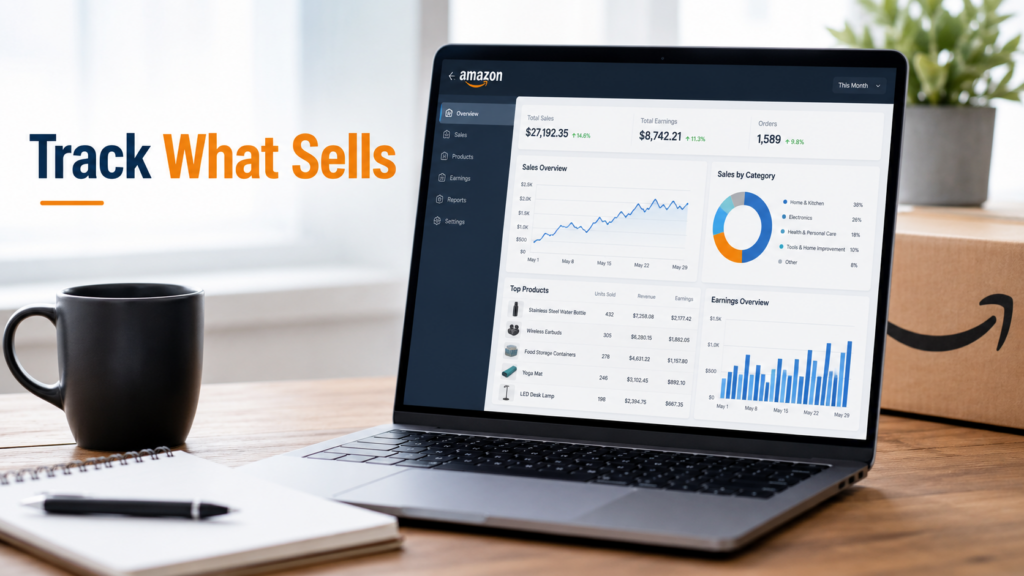
However, and this matters, Amazon offers Full Basket Commission: if a viewer clicks your tagged product and then buys anything else on Amazon in the same session, you earn a commission on the whole cart. In practice, this significantly increases per-click earnings beyond the tagged product itself.
Real creator data from 2024–2025 confirms this: one creator tracked purchases of a Graco stroller, a Keurig coffee maker, and various other items, none of which were featured in the video, from viewers who clicked on a tagged product and then kept shopping. The basket effect is real.
YouTube Shopping vs. Amazon Influencer: Which Pays More?
YouTube Shopping affiliate rates are generally higher on a per-category basis, but Amazon’s trust factor, shopping intent, and basket commission mechanism can more than compensate.
The ideal setup for eligible creators is running simultaneously: YouTube Shopping for brands with higher explicit commission rates, and Amazon for the depth of catalog, the name recognition with viewers, and the basket upside.
Part 4: The Anatomy of What Viewers Actually See
Understanding what your audience experiences is critical to designing content that converts.
In Long-Form Videos
When a creator tags products in a standard YouTube video, viewers see:
- A “View Products” tab in the lower-left corner of the video player
- A product shelf section below the video (similar to a description section)
- On the desktop, a dedicated products block alongside the video
The viewer clicks the shelf or tab, sees the list of tagged products with thumbnails, names, and pricing, and is redirected to the retailer’s site for checkout. Checkout happens off YouTube; the platform doesn’t host transactions.
Key data point: Videos with product tags that include timestamp placement *and* description links see 43% more product clicks than videos with description links alone (YouTube Internal Data, January 2025).
Timestamp tagging, pinning a product to appear at the exact moment you’re discussing it, is significantly more effective than a generic shelf.
In YouTube Shorts
For Shorts, the experience is mobile-first and more prominent:
- The first tagged product becomes a Shopping Product Sticker directly on the video
- The sticker defaults to the lower-left corner but can be repositioned and resized in the YouTube mobile app
- Tapping the sticker takes the viewer to the product; tapping the downward arrow opens the full product list
Product Stickers are mobile app-only; desktop viewers won’t see them. Smart TVs and game consoles also don’t display them. And if you use a non-shopping-eligible sound on your Short, the sticker will be suppressed.
The viewer education issue is real here. As Logie community members have noted, a meaningful portion of your audience doesn’t yet know they can shop directly from YouTube content.
“You have to tell them in your video how to shop” is still necessary advice. Say it explicitly: “Tap the product sticker to shop. “Don’t assume viewers will discover it organically.
In Livestreams
Product tagging in live streams is one of the most powerful and underutilized surfaces. Creators can:
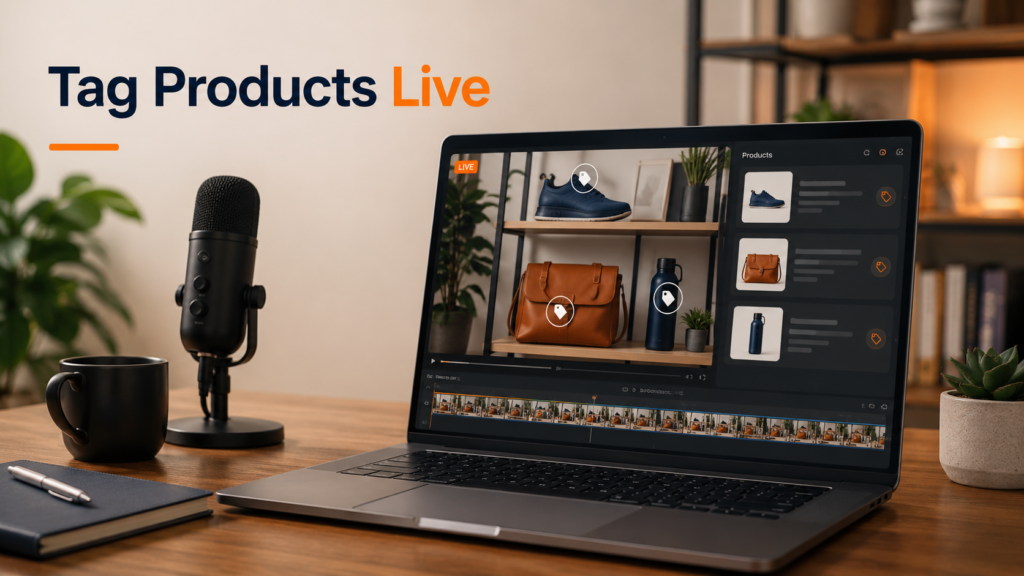
- Pre-load products before the stream
- Pin specific products to make them the prominently featured item at any moment
- Use product drops, a placeholder appears in the product list before a product is revealed live, building anticipation
- Highlight deals and promotions directly in the product panel
The real-time interaction of live shopping is what drove billions in commerce in Asia, and YouTube’s live product experience is increasingly built to replicate that.
Creators who haven’t experimented with live shopping alongside tagging are leaving a major conversion surface untouched.
Part 5: What This Integration Changes for Creator Workflows
The Description Link Is No Longer the Primary Surface
For years, the description box was where monetization happened, a cluttered list of affiliate links that most mobile viewers never saw, let alone clicked.
Product tagging moves the commerce surface into the content itself. The link is now in the video, not below it.
This changes what creators should optimize for. It’s no longer about making your description readable. It’s about:
- Choosing which product gets the Sticker (first position)
- Using verbal callouts (“I’ve tagged this below, tap the product sticker”)
- Designing content where products are shown clearly and prominently enough to meet YouTube’s tagging guidelines (products must be “easily identifiable and featured prominently”)
Your Action Plan as a Logie Creator
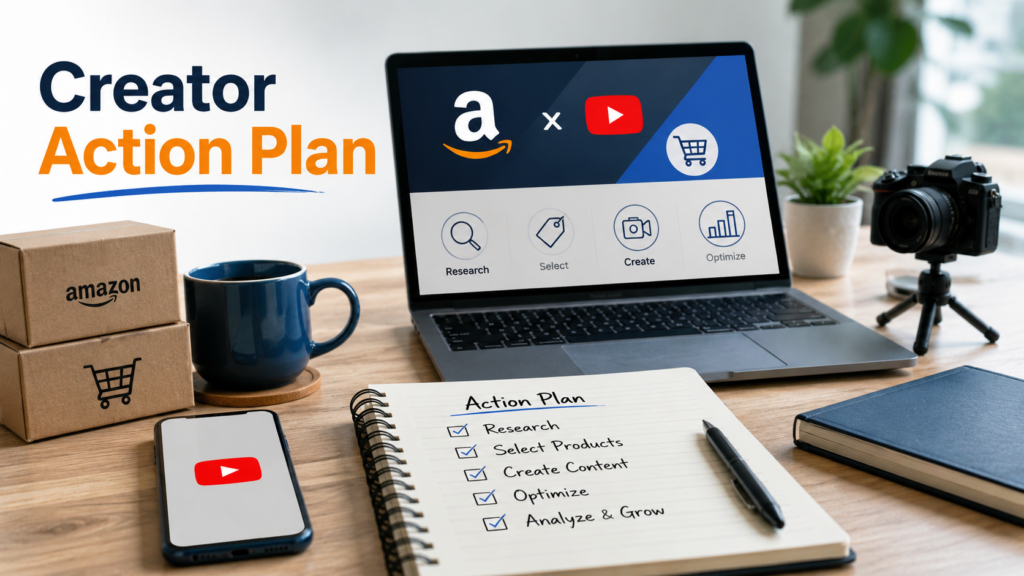
- Audit your eligibility. Go to your Amazon Influencer dashboard, click Edit Profile, find Connected Social Accounts, and look for “Link to YouTube Shopping.” If it’s there, connect it immediately. If not, check back monthly; the rollout is ongoing.
- Ensure your YouTube channel is YPP-enrolled. The baseline is 500 subscribers plus watch threshold requirements. If you’re close but not there, a focused sprint on community posts, collabs, and Shorts reposts can tip the balance quickly.
- Run a back-catalog audit. Identify your 20–30 most-viewed existing videos. Which products do they feature? Which of those are on Amazon? These are your first tagging candidates once access is confirmed.
- Adopt the dual-format strategy. Start pairing your shopping-oriented Shorts with long-form companion videos that carry the full product tags, timestamps, and conversion context. Design your Shorts to tease and send viewers to your long-form.
- Make verbal callouts standard practice. Every video where you tag products should include an explicit, on-camera instruction: “I’ve tagged everything I’m using — tap the shopping button (or product sticker on Shorts) to grab them.” This isn’t optional for good conversion. Viewers don’t yet habitually look for the tag.
- Prioritize product order in Shorts. The first tagged product becomes the sticker. Think about which product in a given Short has the highest likelihood of impulse purchase, and put it first. This single decision meaningfully affects your click rate.
- Check commission rates before committing content. In the Affiliate Hub in YouTube Studio, you can see commission rates and available promotions by seller. Don’t build content around a product with a 2% commission when you could build equivalent content around a 15% one. Time spent is time spent.
- Monitor your tags for stock and pricing. Until auto-sync arrives, manually review your tagged products periodically. A product that’s gone out of stock, been delisted, or spiked in price creates a poor viewer experience and wasted clicks.
- Test timestamp tagging. YouTube’s own data shows that timestamp-enabled tags for products that appear at the moment in the video where they’re shown or discussed perform 43% better than general shelf tags. This requires a bit more setup, but it is worth it for your high-priority products.
- Think in ecosystems, not platforms. The creators who will win the Amazon–YouTube integration aren’t the ones who are best at Amazon or best at YouTube. They’re the ones who understand that discovery happens on YouTube, trust is built in content, and conversion flows to wherever the friction is lowest. Right now, Amazon with YouTube tagging is that low-friction destination. Build toward it.
Final Take: The Window Is Open For Now
Integrations like this follow a predictable arc: early access, rapid adoption by the prepared, explosive growth, then saturation. The Logie community saw it with LTK. Creators who built LTK storefronts early got favorable algorithm placement, organic reach, and first-mover brand relationships. Late arrivals found a more competitive, crowded field.
The Amazon–YouTube window is early. The eligibility threshold has already dropped to 500 subscribers the floodgates Ileane Smith described are cracking open.
But “early” doesn’t mean relaxed. It means moving now: audit eligibility, connect your accounts, tag your back catalog, and build content workflows around native YouTube commerce before every creator in your category figures out how to do the same thing.
The platforms are aligned. The infrastructure is live. The question is whether you’re going to be tagged in when it matters, or tagging along after it’s already crowded.