
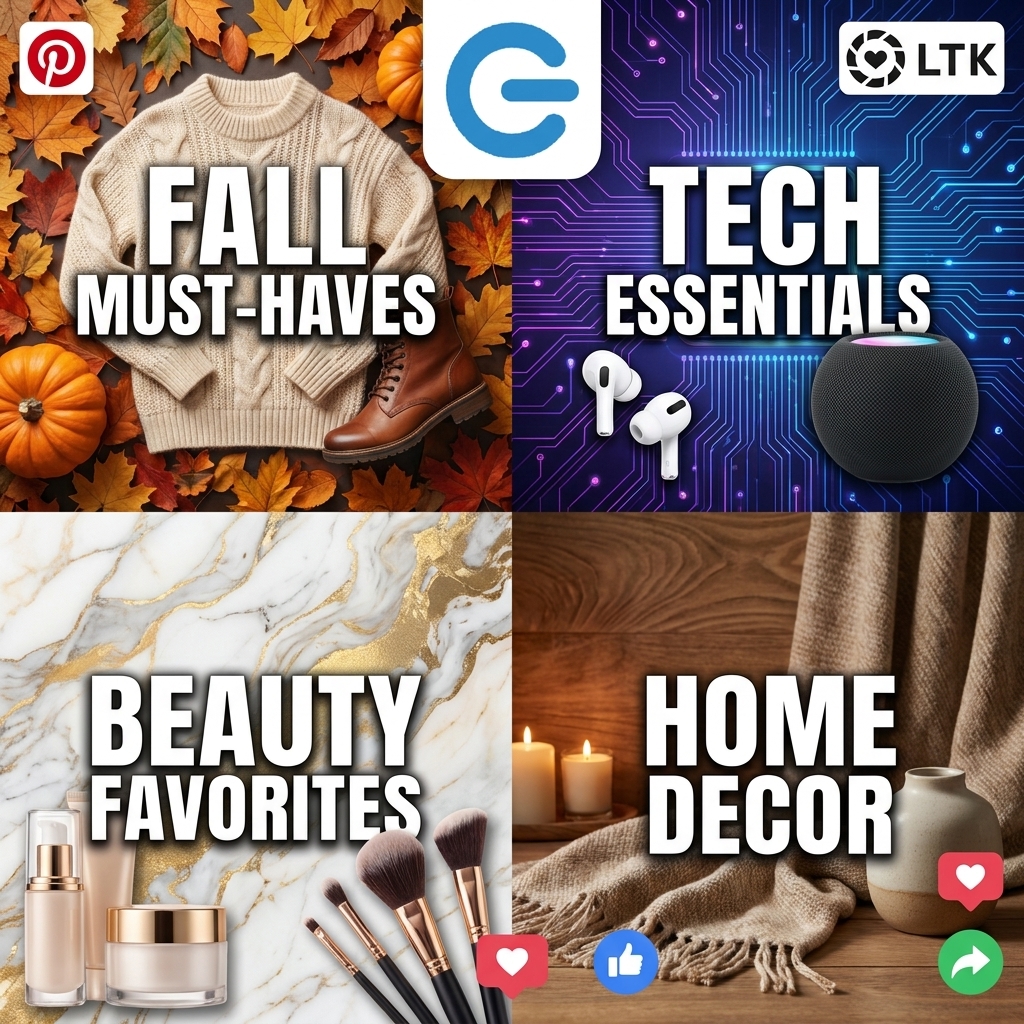
- Collages = Off-Site Wins: Logie’s AI-powered collage tool lets you instantly combine up to four ASINs into scroll-stopping images, ready for Pinterest, LTK, Amazon, and beyond – no inventory required.
- Platform-Savvy Content: Adapt your collages for specific channels: verticals for Pinterest and Shorts, squares for Instagram posts, horizontals for thumbnails, ensuring your visuals hit algorithmic and audience sweet spots everywhere.
- Workflow Mastery Pays: With features like saved prompts, gallery access, and rapid fresh import, you can respond to trends with pro-level creative agility – outpacing competitors still fumbling with Canva or manual edits.
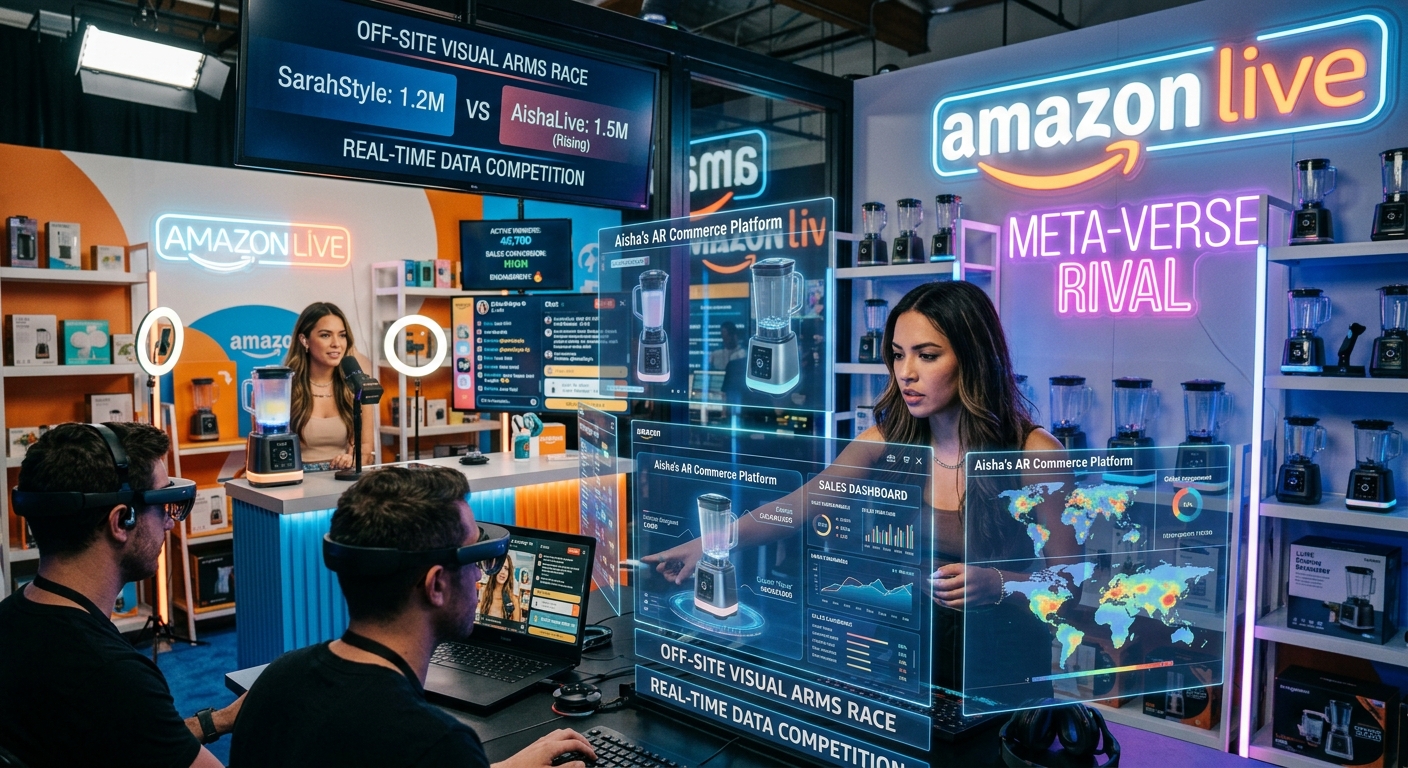
The Rise of the Off-Site Visual Arms Race
It’s 2026, and if you’re a social commerce creator, the battleground isn’t just your Amazon storefront it’s everywhere your audience scrolls: Pinterest, Instagram, LTK, TikTok, YouTube. The most successful influencers know that winning off-site = dominating with great visuals. But who has time for manual graphics when you need to ride every microtrend? Enter Logie’s AI collages and dynamic image templates the secret sauce for creators turning product lists into engagement (and affiliate revenue) machines.
The premise is simple: no need to shoot your own flat-lays or wait for samples. With Logie, you add up to four ASINs, instantly fetch images and data, choose your layout and style, and push out content that’s perfectly formatted for each platform. In a recent session, community leader Ileane Smith put it bluntly:
“Collages are the thing, especially if you’re talking off-site. The collages on Pinterest do well, even on Amazon… But we don’t have to [work hard], because we got Logie. All we gotta do is download it.”
Step-by-Step: Creating Pro Collages with Logie
- Pick Your Products (ASINs):Start by deciding on 2–4 products in your niche trending items for fall, top gadgets, outfits, whatever fits your audience. Grab their ASINs from Amazon (just copy from the product URL).
- Use Fresh Import for Lightning-Fast Setup:Within the Logie creator panel, click Fresh Import (top right in the modal). Paste your ASINs, hit Fetch & Analyze, and watch as the platform pulls in images and item details. Patience helps here let it load in all your selections.
- Choose Formatting by Destination:
- Squares for Instagram and carousel posts
- Verticals for Pinterest pins and YouTube Shorts thumbnails (see advanced YouTube integration tactics here)
- Horizontals for Amazon video thumbnails or banners
You can preview layouts, select styles (UGC, Glamour, Ad, Infographic), and overlay custom text – grabbing keywords or platform-specific hooks.
- Save, Download, Re-use:Your creations (plus all prompt details and tweaks) are saved to your Logie gallery. Repurpose favorites for multiple posts, tweak overlays, and stay on-brand without re-inventing the wheel each time.
- Go Multi-Platform Instantly:Download your collages and upload them to Pinterest (disclose AI use if required), LTK, Instagram, TikTok, or even print QRs for IRL activation (as explored in QR Codes & IRL Hustle).
Know the Policy Landscape And Why This Matters
Each major platform now has AI and disclosure rules, and knowing them means your posts won’t get taken down:

- Pinterest: Will prompt for both “AI enhanced” and “AI person” checkboxes. Check what applies you have to be honest if a Logie-generated image or face is in use.
- LTK: No formal AI disclosure yet, but stay tuned. Best practice: always vary your content mix so you have plenty of human-made posts too.
- Amazon: Only asks if the thumbnail uses an AI-generated person. Collages without human figures? Safe to upload.
- YouTube Shorts: Thumbnail uploading is rolling out for all! Perfect your art now so you’re first to stand out when the switch flips (use this guide for Shorts CTR optimizations).
With these rules in mind, you can confidently scale repurposed and AI-powered visuals everywhere your audience shops.
Expert Tips the Community Shared
- Create versioned thumbnails: Logie lets you generate multiple versions experiment (Glamour, UGC, Infographic) and see what your audience clicks.
- Use overlays wisely: Add magnetic, benefit-driven headlines (“Amazon Handbags for Fall” instead of generic product names). Context is king, and callouts go farther on Pinterest and LTK.
- Keep everything organized: Start folders and naming conventions early your future self (and content workflow) will thank you. Everything stays in your Logie gallery for remixing.
- Size for the feed, not just your storefront: Pinterest verticals, Instagram squares, horizontal YouTube banners – build and test across layouts and preview results everywhere.
- Speed beats perfection: As Ileane joked, you want your imagery “ready before the trends move again.” Logie’s gallery and fresh import make this achievable.
Where Collages Win Big: Use Cases & Inspiration
- Theme Roundups: Fall wardrobe, dorm essentials, kitchen gadgets combine bestsellers for an “instant listicle” post across channels.
- Deal Days & Gift Guides: Collages are perfect for highlighting live deals or gift picks and with Logie, you can filter and update fast.
- Cross-Network Dominance: Many creators report their collage pins outperform single-product posts on Pinterest by 2–3x. (Pairs perfectly with the latest Amazon program updates on revenue tracking!)
Final Tips: Building Your Visual Moat
You’re not just making pretty graphics you’re systematizing irresistible multi-product, multi-platform content. Use Logie’s collage workflow as your competitive moat: rapid response to trends, brilliant evergreen templates, and algorithm-happy visuals, all without ever fumbling for a product shot. With holidays coming and visual commerce fiercer than ever, a hybrid workflow like this is your edge.
Ready to outshine your category and own the off-site visual space? Launch your first collage today. Your feed, your funnel, and your wallet will love you for it.